 AutoZap
How it works
- Connect: a company administrator clicks Continue with TikTok. The official TikTok Login Kit opens, the user logs in on TikTok and authorizes. AutoZap never sees the TikTok password.
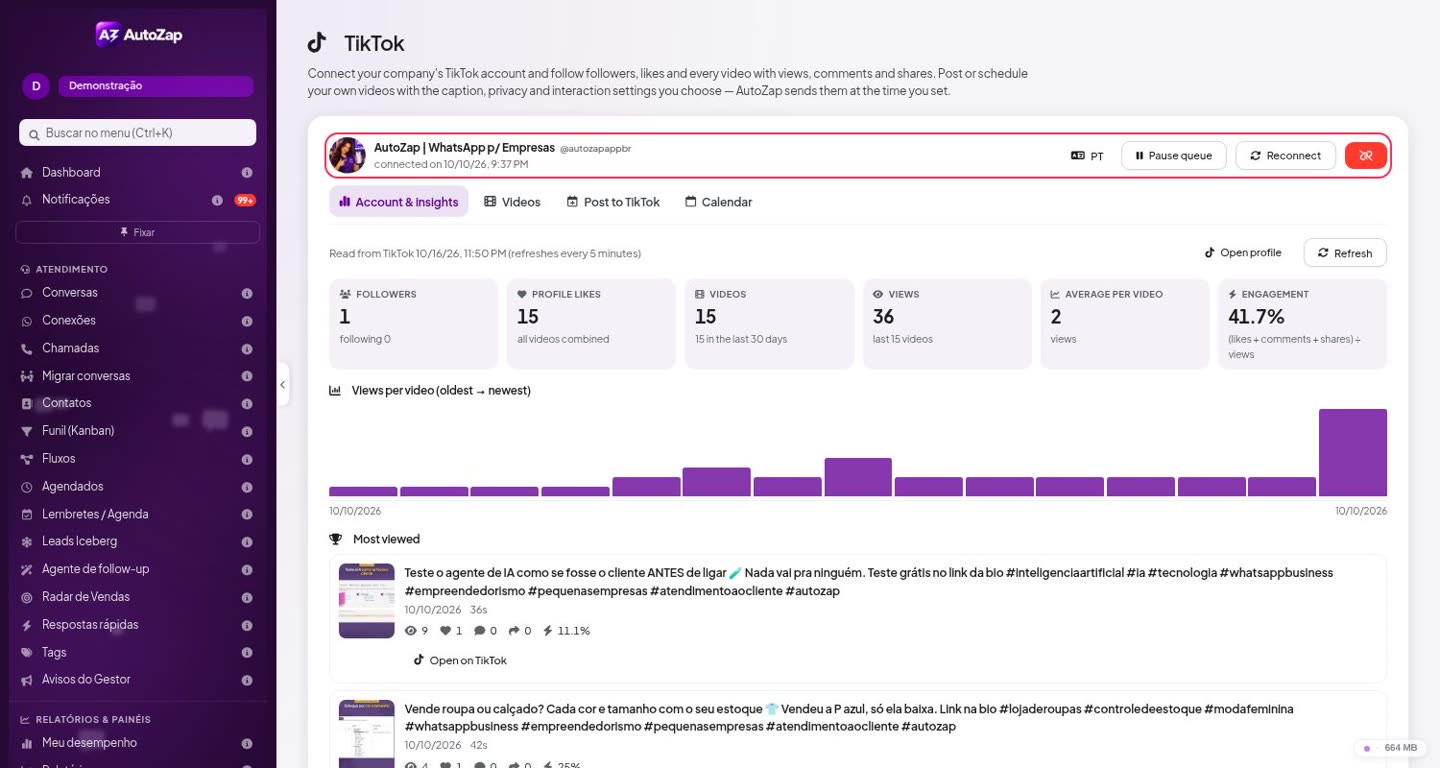
- Insights: the company sees its own followers, likes, videos and each public video's views, likes, comments and shares.
- Post to TikTok: the user chooses their own video, writes the caption and picks the privacy level, interaction settings (comment, duet, stitch) and commercial content disclosure. Nothing is sent until the user confirms. Videos are uploaded with the Content Posting API (Direct Post) or sent to the creator's TikTok drafts.
- Disconnect: at any time, with one click. The access token is revoked on TikTok and deleted.
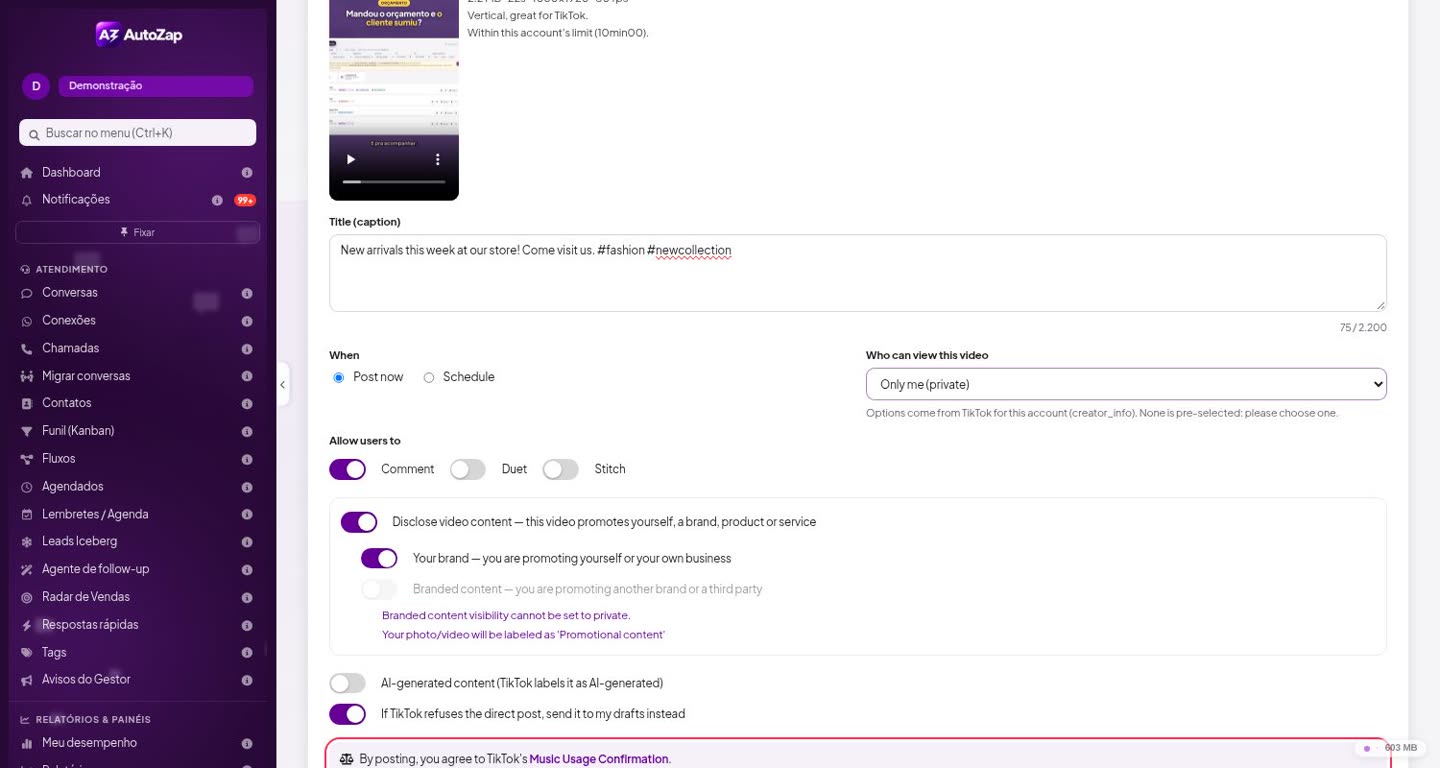
The "Post to TikTok" screen
The posting screen follows TikTok's Content Sharing Guidelines:
- It shows the creator's avatar and nickname, read from TikTok every time the screen opens, and checks the maximum video duration allowed for that account.
- The privacy options are the ones TikTok returns for the account, and none is pre-selected.
- Comment, Duet and Stitch start turned off and are greyed out when the creator turned them off in the TikTok app.
- Commercial content disclosure ("Your brand" / "Branded content") is off by default, shows the "Promotional content" or "Paid partnership" label, and branded content can't be set to private.
- Right above the Post button: "By posting, you agree to TikTok's Music Usage Confirmation" (and the Branded Content Policy when it applies).
- A preview of the video, a final confirmation, the post status, and a notice that processing may take a few minutes.
- No watermark, logo or promotional text is added to the video. No automatic or bulk posting.
Data and permissions
AutoZap requests only user.info.basic, user.info.profile, user.info.stats, video.list, video.upload and video.publish. Tokens are stored encrypted; metrics are read live and not stored in a database. Details are in section 4-F of our Privacy Policy and in our Terms of Service.
Em português
Com o módulo TikTok do AutoZap, a empresa conecta a própria conta pelo login oficial do TikTok, acompanha seguidores, curtidas e o desempenho de cada vídeo, e publica ou agenda os próprios vídeos. Na tela de publicação a empresa escolhe a privacidade (nada vem marcado), as permissões de comentário, dueto e stitch e a indicação de conteúdo comercial, e confirma antes de qualquer envio. Dá para desconectar a qualquer momento. Veja a Política de Privacidade (item 4-F) e os Termos de Uso.